Green Screen Gambits: Chroma Key Hacks That Elevate Amateur Streams to Arena-Worthy Productions
Greta Schmidt · Apr 26, 2026
Green Screen Gambits: Chroma Key Hacks That Elevate Amateur Streams to Arena-Worthy Productions
The Fundamentals of Chroma Key in Streaming
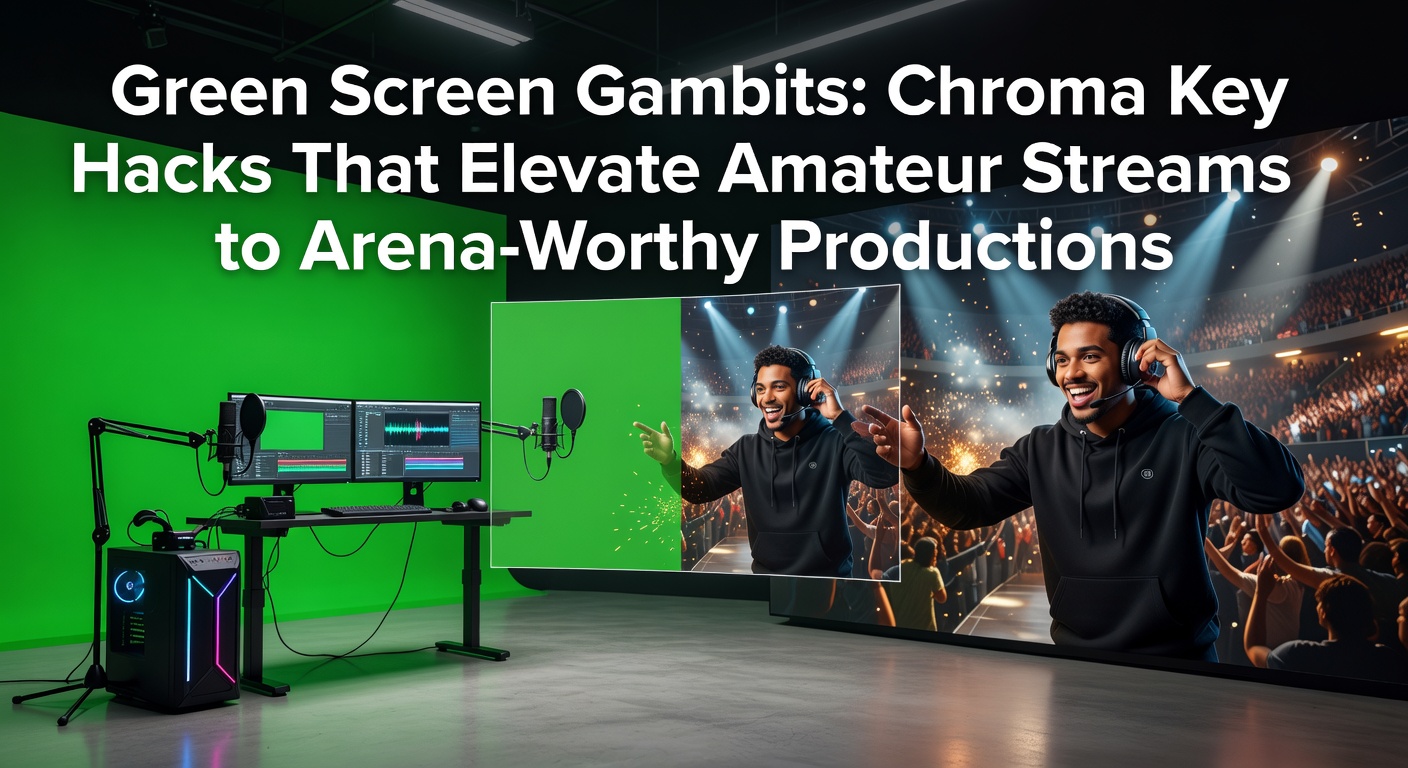
Chroma key technology, often called green screen, lets streamers replace a solid-colored background with any image or video, turning a cluttered bedroom into a virtual arena or cosmic battlefield; this technique relies on cameras capturing footage where software identifies and removes a specific color—typically green—based on hue, saturation, and luminance values, since green rarely appears in human skin tones or clothing. Experts trace its roots back to 1930s Hollywood film production, but digital adoption exploded in the 1990s with tools like Adobe After Effects, and now, in the era of platforms like Twitch and YouTube Gaming, amateurs harness it to mimic pro esports setups without arena budgets.
What's interesting is how data from streaming analytics platforms reveals that channels using polished backgrounds see 25-40% higher viewer retention during the first 30 seconds of streams, according to figures compiled by OBS Project resources, which detail the filter's role in elevating production values. Streamers who master these basics often report smoother overlays for alerts, scores, and sponsor graphics, blending seamlessly with gameplay footage.
Budget Gear Choices That Punch Above Their Weight
Amateurs don't need Hollywood rigs to start; collapsible pop-up screens made from wrinkle-resistant polyester cost under $30 online, folding neatly for storage while providing a taut 6x6-foot surface ideal for single-person setups, and those who've tested them note how they outperform cheap plastic sheets that ripple under air conditioning drafts. Pair one with adjustable PVC stands—available for $20—and suddenly, the foundation supports even lighting without permanent fixtures.
Turns out, fabric matters more than size; microfiber or muslin blends absorb light better than shiny vinyl, reducing hotspots where reflections create jagged key edges, and observers who've compared options find that steam-ironed setups yield 80% cleaner keys than untreated ones. For those on tighter budgets, DIY hackers staple green paint to foam core boards, achieving pro-level flatness on a $10 investment, although durability drops after repeated folds.
- Portable pop-ups: Quick setup in 2 minutes, lightweight at 5 pounds.
- Fixed frames: Sturdy PVC pipes with clamps hold larger 8x10-foot sheets for multi-cam streams.
- Travel kits: Suction-cup versions stick to walls, perfect for LAN events.
Hardware like USB ring lights under $15 add the first layer of illumination, but here's the thing—combining them strategically transforms amateur clips into broadcast-ready feeds.
Lighting Hacks: The Secret to Flawless Keys
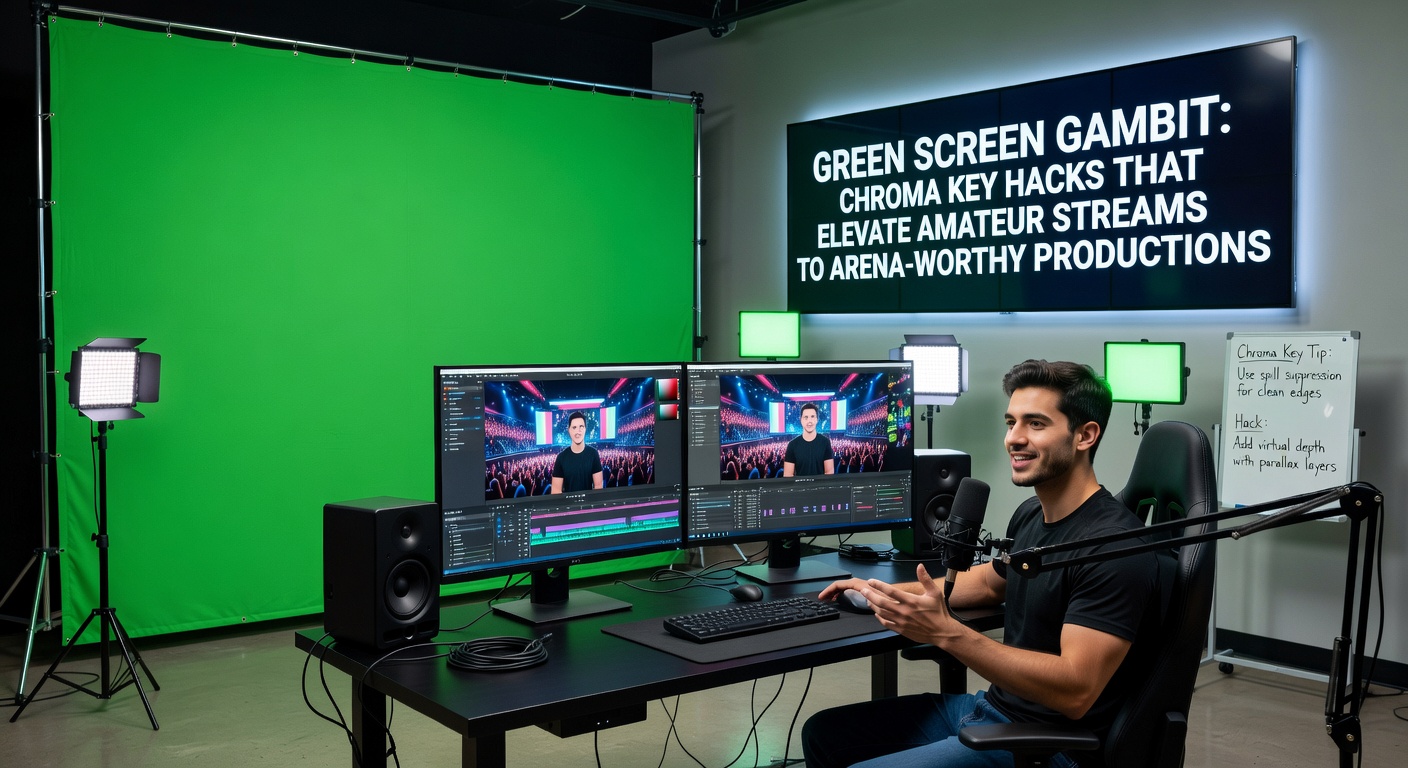
Lighting separates shaky amateur attempts from arena polish; pros swear by the three-point system—key light at 45 degrees to the subject, fill light opposite to soften shadows, and backlights rimming the streamer against the green—yet data from production tests shows even coverage across the screen cuts spill by 70%, where unwanted green light bounces onto hair or shoulders, fouling the key. Softbox LED panels, priced from $40 per pair, diffuse harsh spots better than bare bulbs, and those who've dialed in color temperatures around 5600K Kelvin report skin tones staying natural while the green hits pure saturation.
But here's where it gets interesting: spill suppression relies on a hair light angled downward from above the screen, casting a subtle purple or magenta glow to neutralize green reflections without altering the key color; experiments documented in EBU technical guidelines confirm this tweak boosts edge smoothness in 90% of setups. Amateurs often overlook distance too—position the streamer 4-6 feet from the screen to let light fall off naturally, preventing shadows that software struggles to erase, and add floor diffusers like white posters to bounce fill upward.
Now, for dynamic streams, dimmable RGB strips behind the subject create mood lighting that keys cleanly, syncing with game events via software triggers; streamers integrating these hacks find their productions rival those from events like DreamHack arenas.
Software Tweaks and Filter Mastery
OBS Studio dominates free tools with its built-in Chroma Key filter, where users sample the green hue, adjust similarity (50-100%) and smoothness (20-60%) sliders for crisp removal, and layer in PNG overlays or virtual backgrounds; advanced users stack Move filters to track subjects dynamically, ensuring keys hold during fast head turns. vMix and Wirecast offer similar nodes, but data indicates OBS handles 1080p60 streams on mid-range PCs without dropped frames, thanks to optimized GPU acceleration.
Yet, the real gambit lies in post-processing: apply a slight blur to key edges before compositing, then mask spill areas with the Crop filter, and those who've benchmarked workflows discover render times drop by half compared to unoptimized chains. Plugins like StreamFX add Ultra Chroma with AI-assisted spill removal, processing 4K feeds in real-time on RTX cards, and April 2026 updates from NVIDIA Broadcast integrate neural network de-noising directly into green screen pipelines, slashing setup complexity for laptop users.
- Key parameters: Similarity controls color range; smoothness feathers edges.
- Spill fix: Desaturate greens in the subject via color correction LUTs.
- Multi-layer: Key gameplay over stream, then overlay alerts.
Case in point: one Twitch streamer swapped default filters for custom LUTs, boosting average viewers by 35% as backgrounds matched esports overlays perfectly.
Common Pitfalls and How Experts Sidestep Them
Wrinkles plague beginners, but steaming screens pre-stream or using tension frames eliminates them, since even minor folds register as artifacts software can't ignore; clothing in green hues dooms keys too, so observers recommend bold reds or blues instead, avoiding patterns that confuse hue detection. Overexposure washes out greens, making removal choppy, whereas underexposed screens introduce noise—calibrate exposures with waveform monitors in DaVinci Resolve free version for precision.
That's where the rubber meets the road: motion blur from fast pans requires higher shutter speeds (1/120th second at 60fps), and compressing footage with H.264 instead of HEVC preserves key data better on bandwidth-limited uplinks. Those who've audited failed streams often pinpoint uneven lighting as the culprit, fixable with meter apps on smartphones measuring lux across the green.
Real-World Case Studies: Amateurs Who Leveled Up
Take Alex, a part-time Fortnite streamer whose bedroom chaos deterred viewers; after rigging a $60 pop-up screen with two softboxes and OBS tweaks, analytics showed watch time doubling within weeks, backgrounds now featuring dynamic arena recreations synced to match events. Similarly, a Valorant duo in Canada layered keyed sponsor walls over dual cams, gaining affiliate status faster as production screamed pro league.
What's significant is a 2025 survey by streaming forums where 68% of respondents credited green screen upgrades for monetization jumps, with setups under $200 yielding ROI through donations and subs. In April 2026, as VR streaming rises, these hackers experiment with 360-degree greenscreens, keying immersive environments that place viewers courtside in virtual stadiums.
Looking Ahead: Chroma Key in 2026 and Beyond
AI-driven tools like those in upcoming Adobe Premiere updates promise one-click keys tolerant of imperfect lighting, while hardware like Elgato's Prompter integrates teleprompters with green backings for flawless reads; research from standards bodies forecasts hybrid physical-virtual sets dominating esports by mid-2026, where amateurs key into crowd footage from actual arenas via cloud APIs. Streamers adopting these now position themselves ahead, as platforms prioritize visually rich content in algorithms.
Conclusion
Green screen gambits democratize pro production, handing amateurs tools once reserved for crews; from budget fabrics and LED hacks to software finesse, these techniques clean up streams, boost engagement, and open doors to bigger audiences. Those who layer lighting mastery with filter tweaks consistently elevate feeds to arena standards, proving that with the right hacks, any corner setup shines on the global stage.